Local PDF Processing
See PDF and image tools that run locally in your browser, including workflows that can keep files on your device and work without an internet connection after the page is loaded.
Use these visual guides to understand where information belongs on common US PDF forms, then open the PDF editor to add text, checkmarks, signatures, and dates to your own file.
Start with local PDF processing tools or use a visual form guide. Each entry links to the right workflow so users can act immediately after reading.
See PDF and image tools that run locally in your browser, including workflows that can keep files on your device and work without an internet connection after the page is loaded.
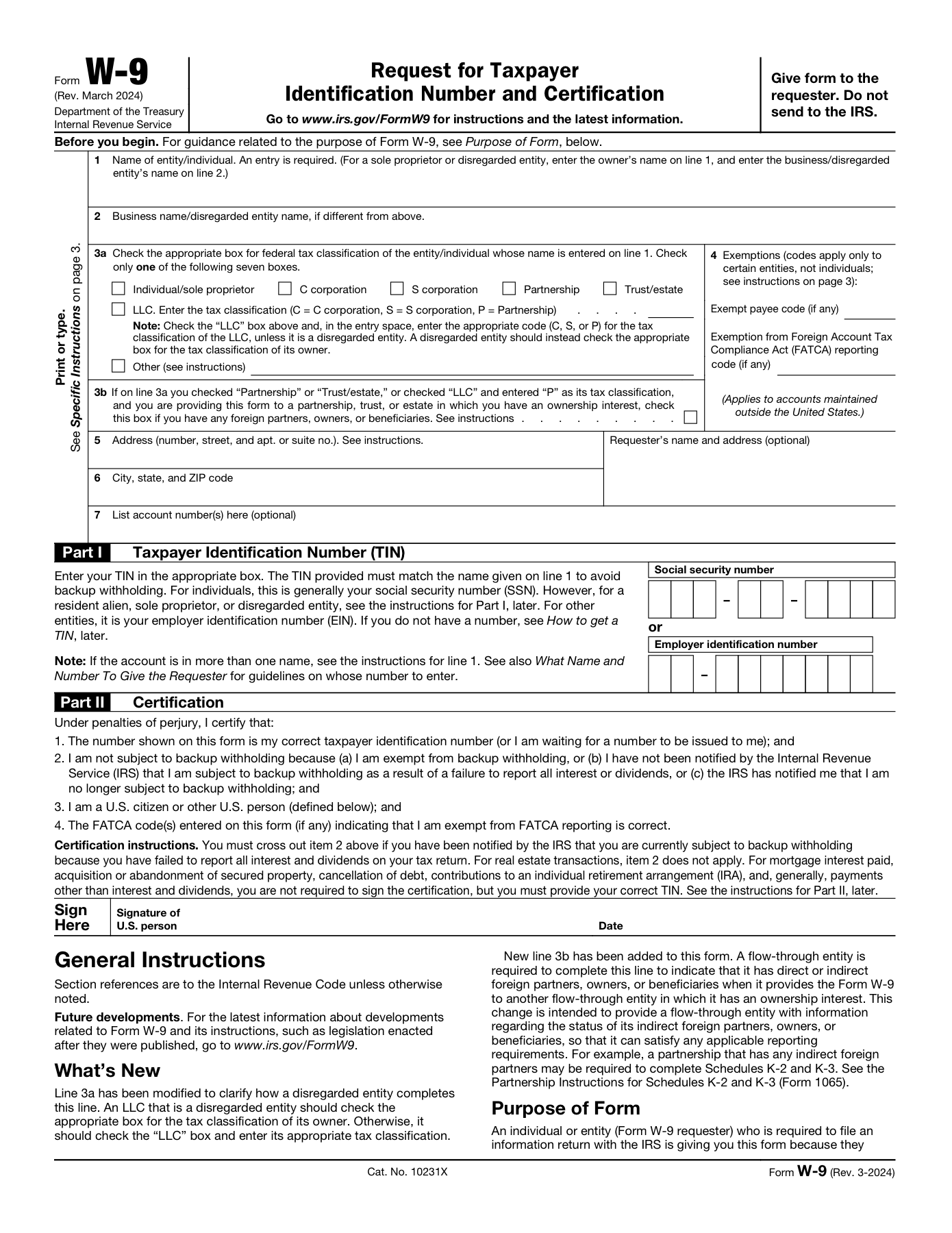
A field-by-field visual guide for filling out an IRS W-9 PDF with name, tax classification, address, TIN, signature, and date.
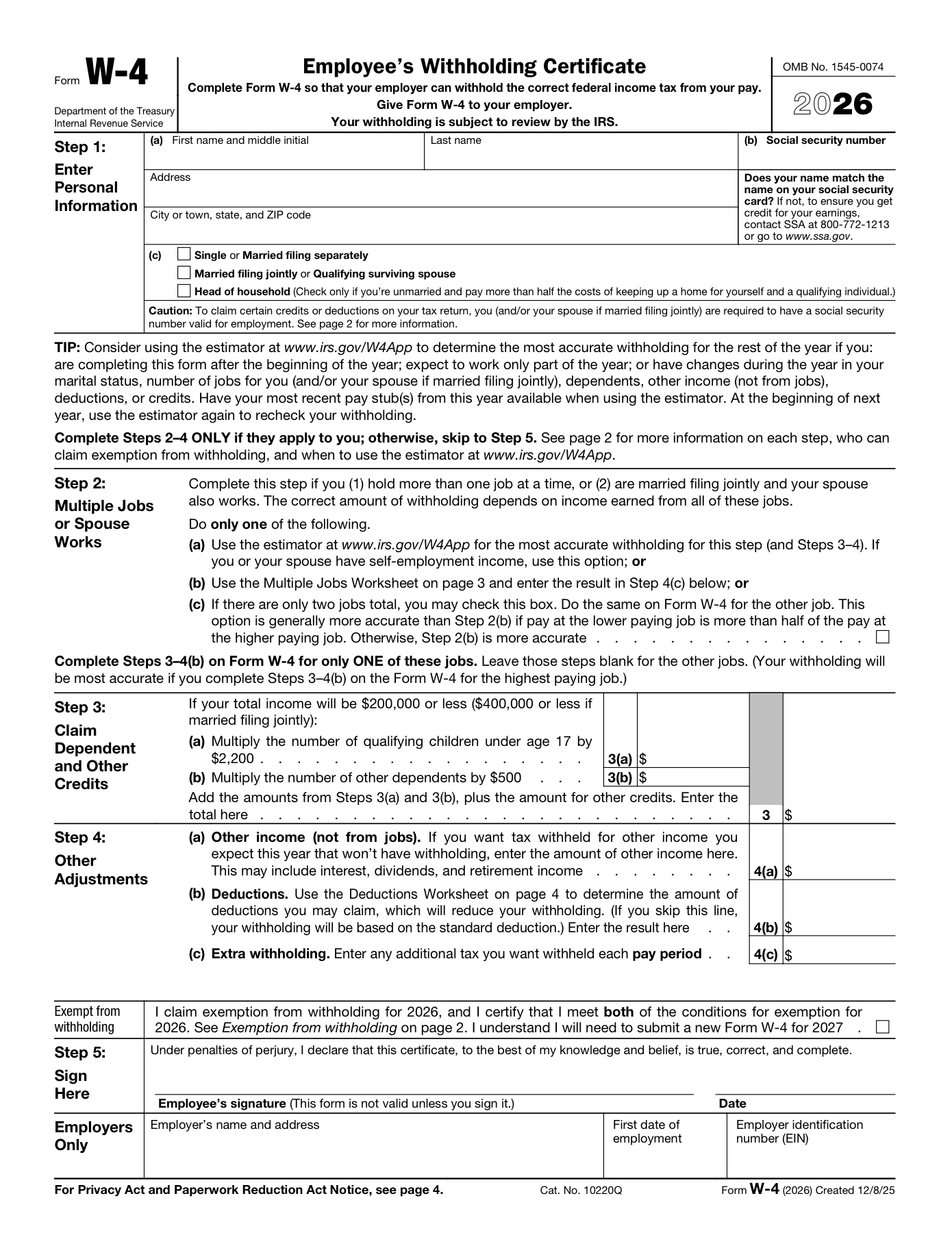
A field-by-field visual guide for filling out an IRS W-4 PDF with personal information, filing status, withholding choices, signature, and date.
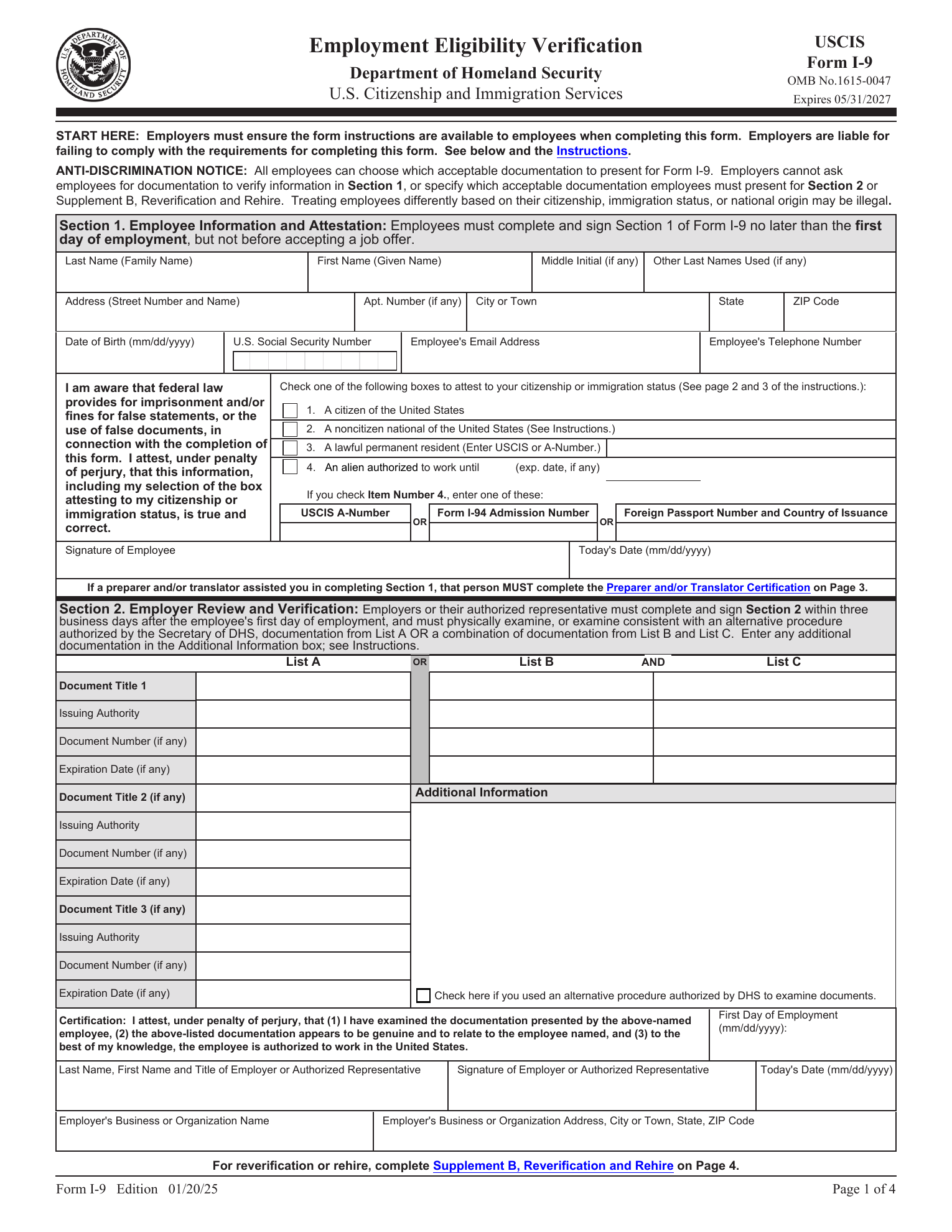
A visual guide for filling out USCIS Form I-9 with employee Section 1, employer Section 2, acceptable documents, Supplement A, and Supplement B.
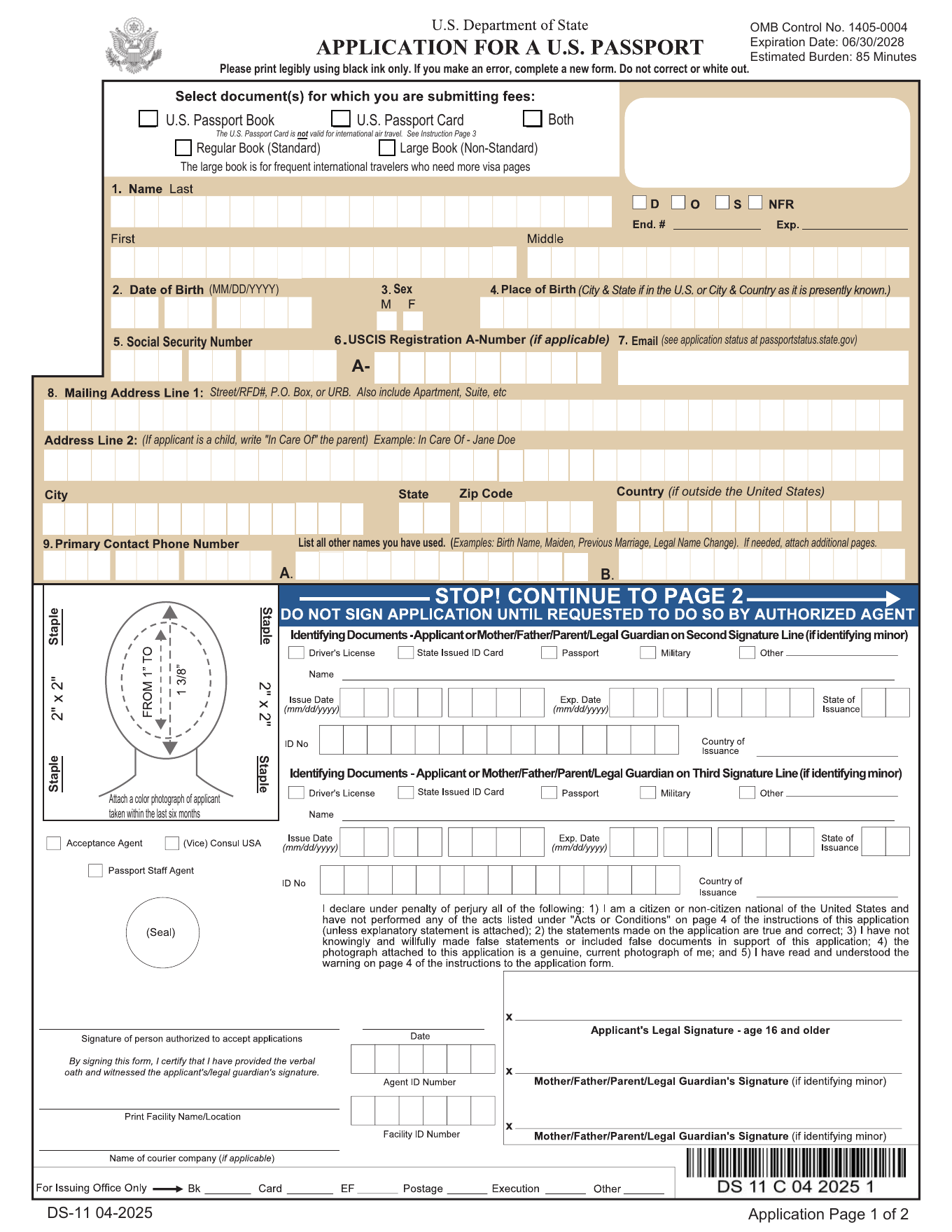
A visual guide for filling out the U.S. passport application PDF, including applicant details, parent information, emergency contact, and the do-not-sign reminder.
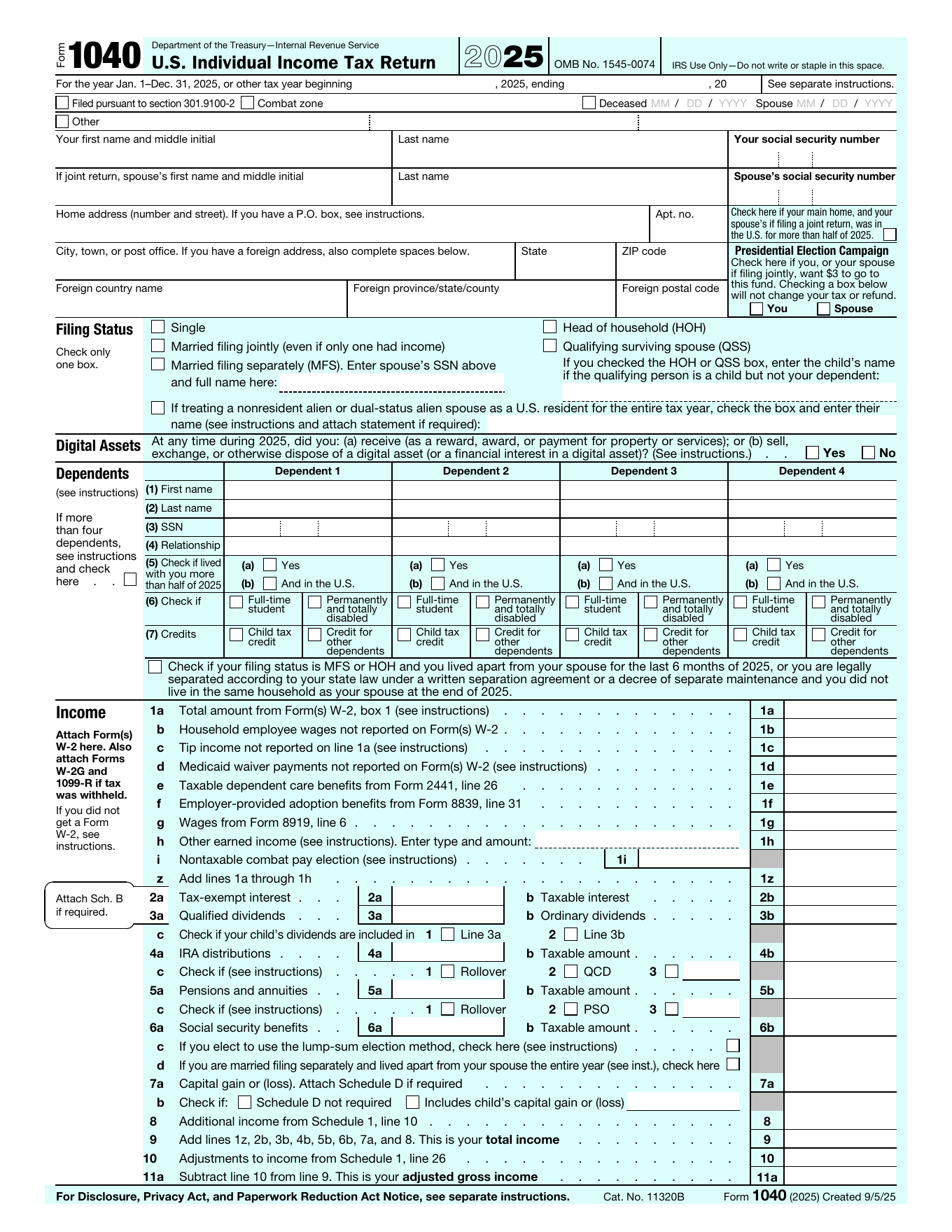
A visual guide for filling out IRS Form 1040 with taxpayer details, filing status, dependents, income, deductions, payments, refund, amount owed, and signatures.
Upcoming guides can cover the forms people frequently need to fill, sign, download, and return as PDFs.
W-4, I-9, 1099-related requests, direct deposit forms
Rental applications, employment packets, school forms, intake forms
Consent forms, authorization letters, release forms, signature pages